How to manage native app notification for chat networks that supports calls? (iOS)
How to manage native app notification for chat networks that supports calls? (iOS)
Audio/Video calls aren't a supported feature with Beeper yet. However, you can still fine-tune notifications on your Chat Network app(s) to continue being notified by Beeper for message notifications, but only keep call notifications to your Chat Network's app(s).
The following's how you'd be able to disable message-only notifications on your Chat apps, so you don't receive double notifications for those!
-
Open the native app for WhatsApp and click on settings in the lower-right corner.

-
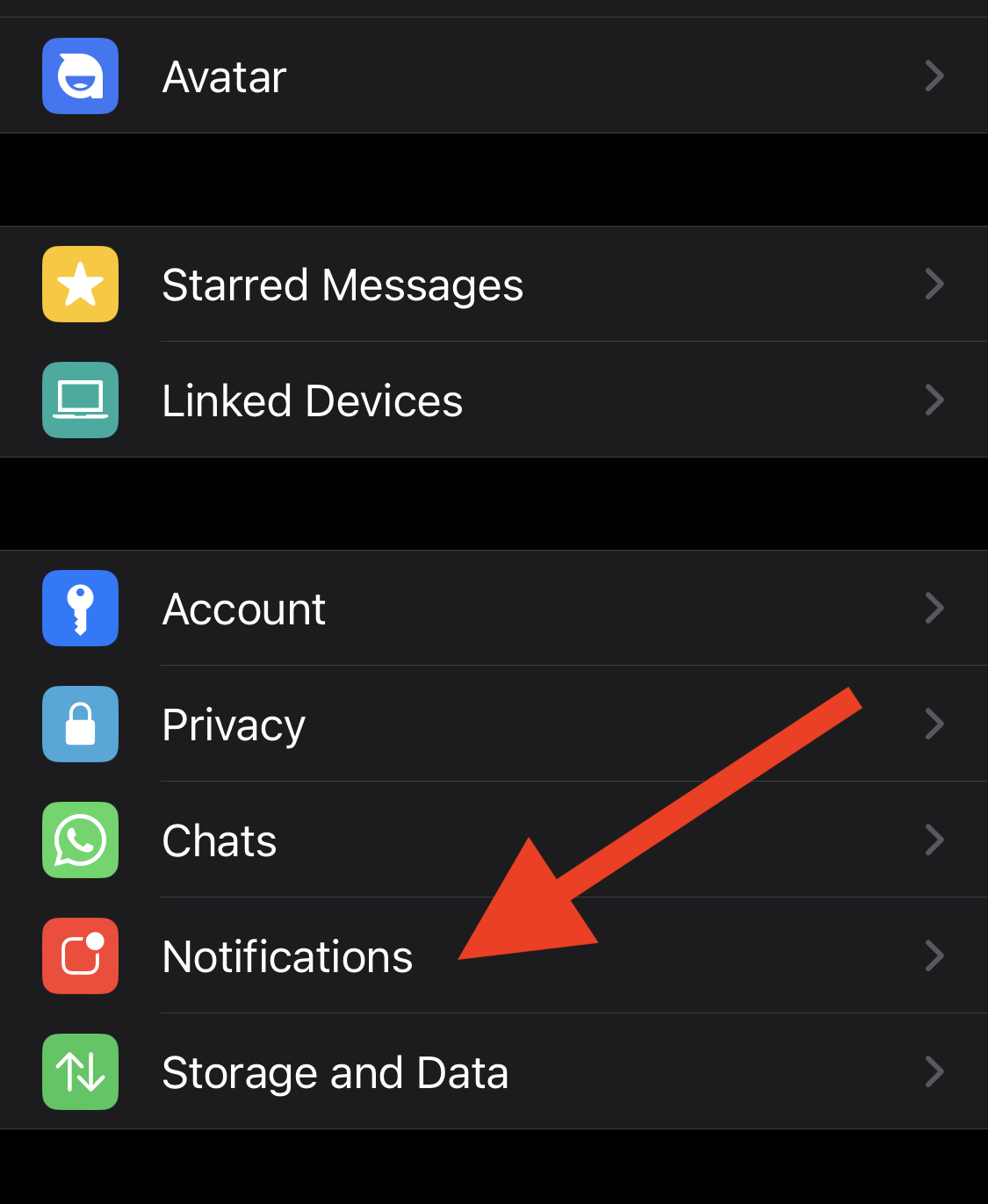
Tap Notifications
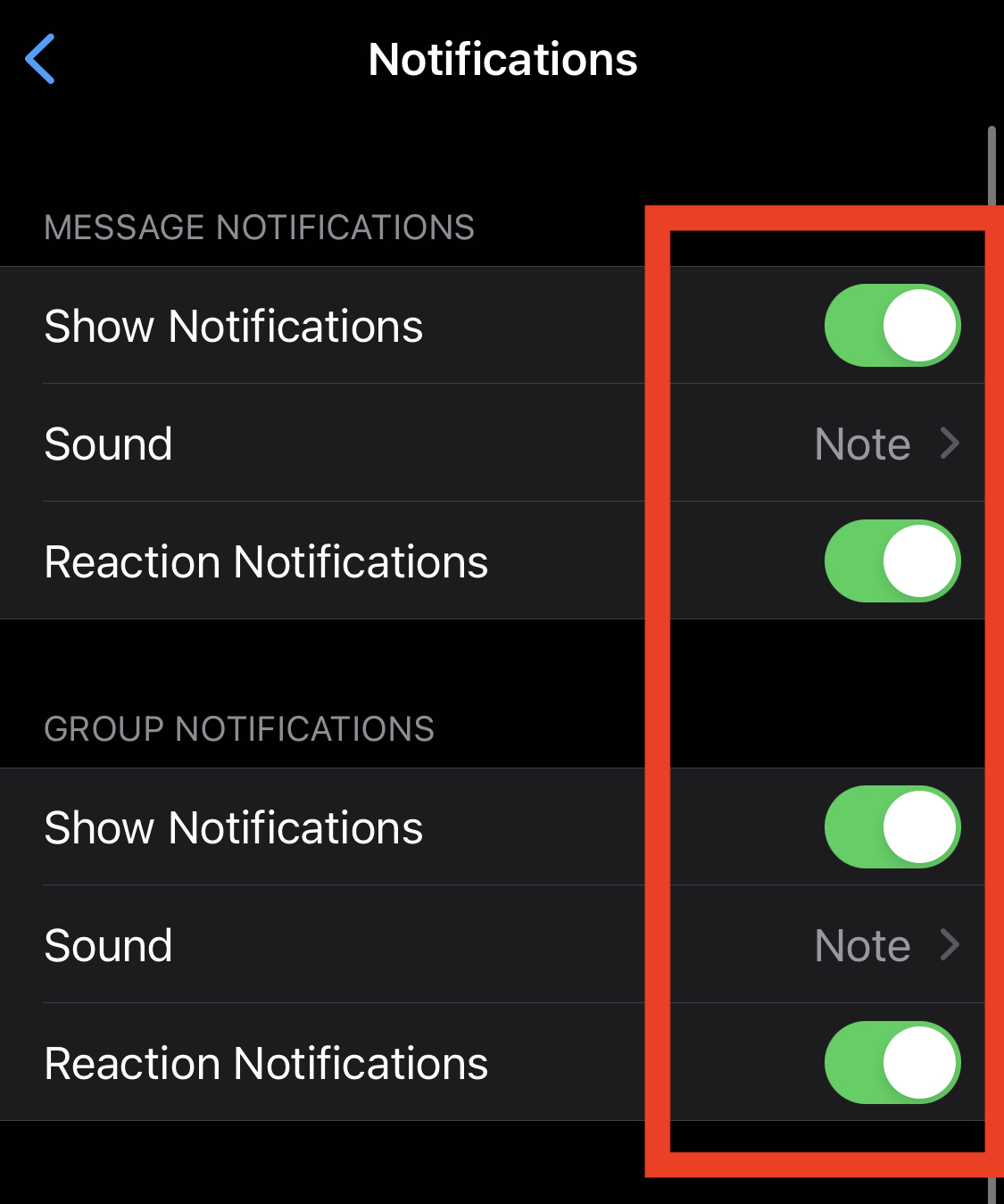
- Disable Message Notifications and Group Notifications
Telegram
-
Open the native app for Telegram and click on settings in the lower-right corner.

-
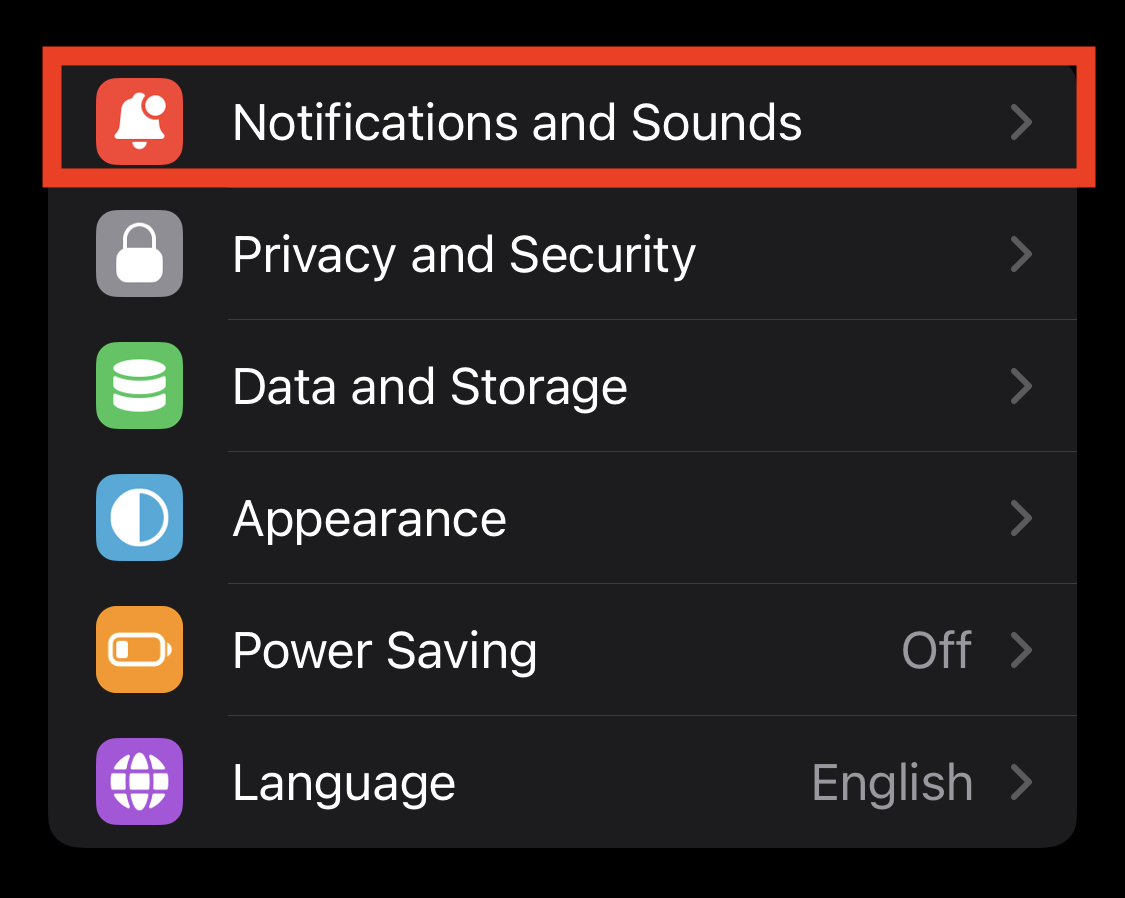
Tap on Notifications and Sounds
-
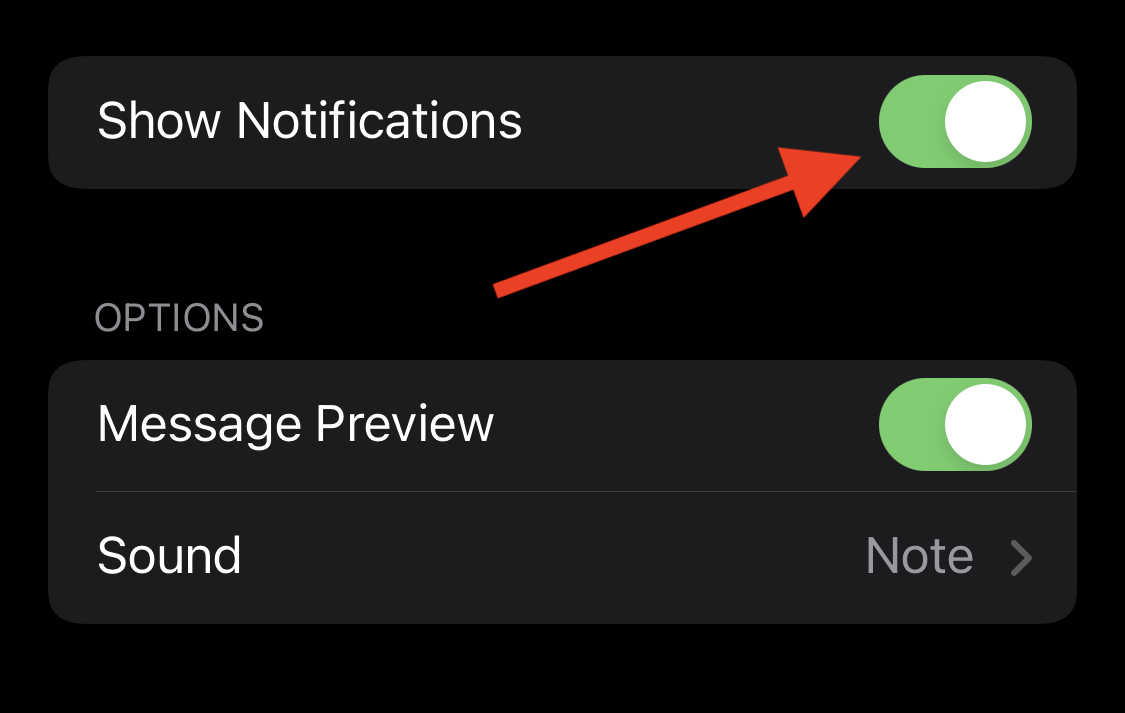
Open Private Chats, Group Chats, and Channels notifications.
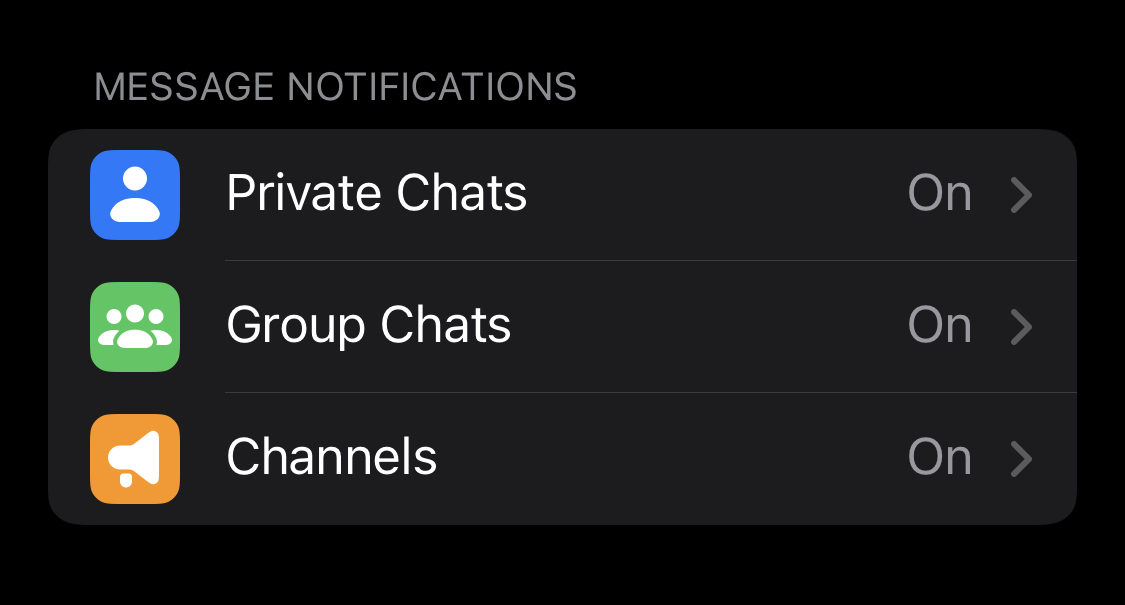
- Disable Show Notifications
Instagram
-
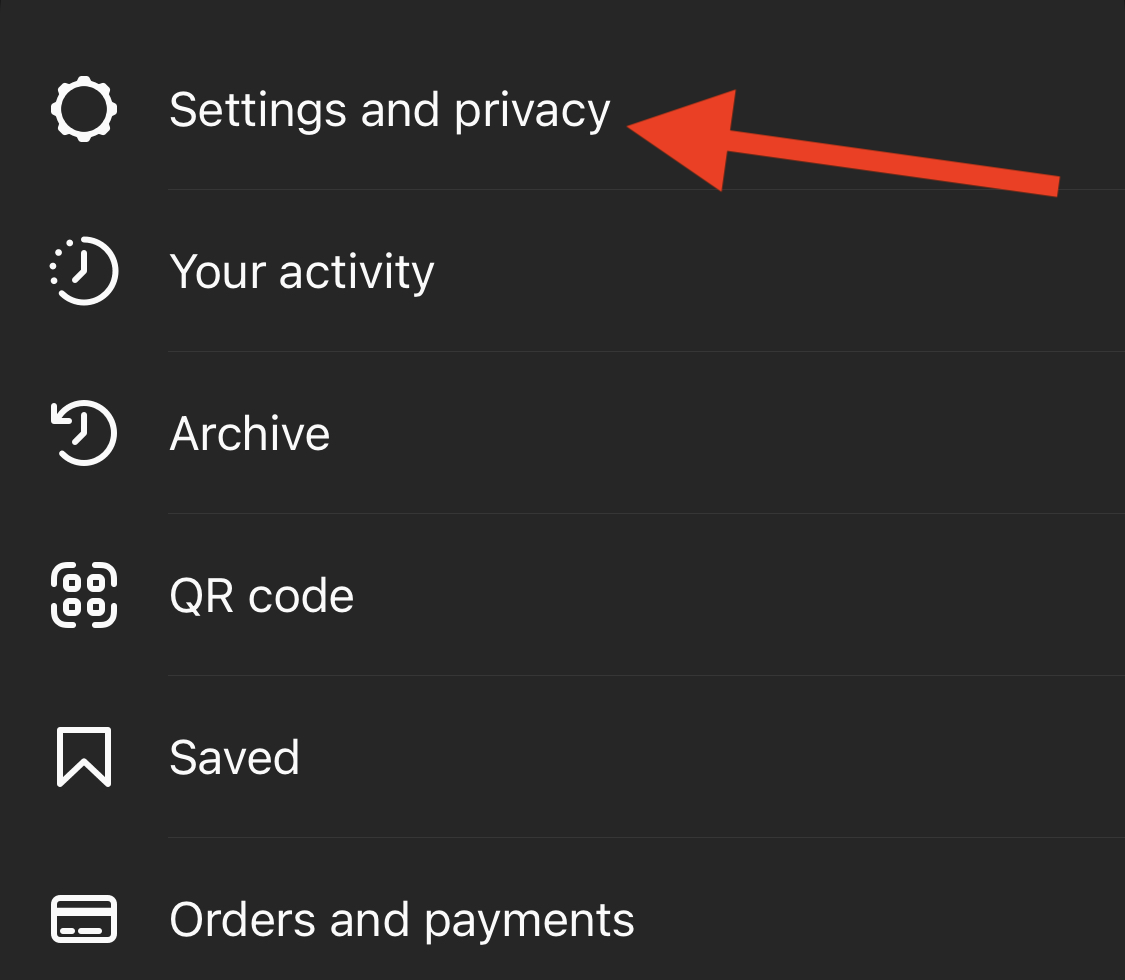
Open the native app for Instagram and tap on the three dashes in the upper right corner.

- Hit Settings and privacy
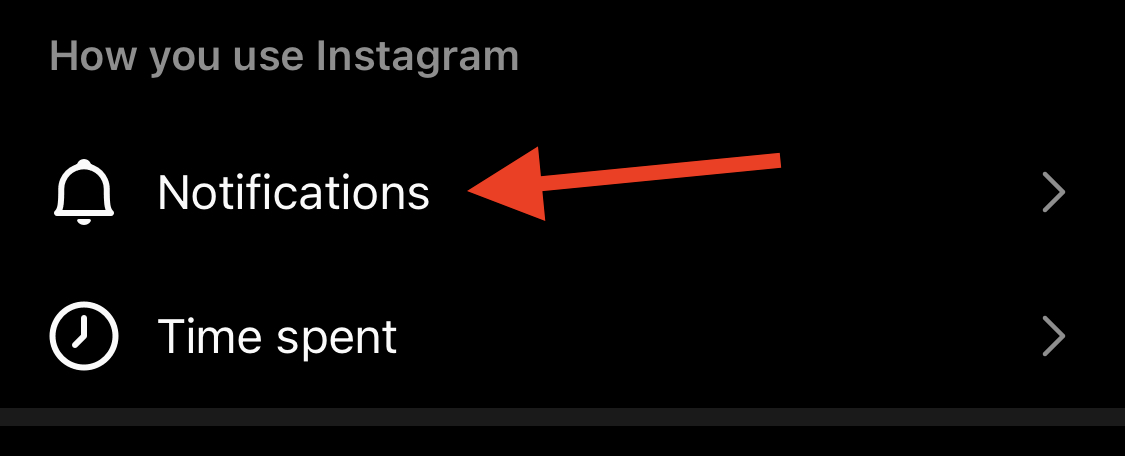
- Hit Notifications
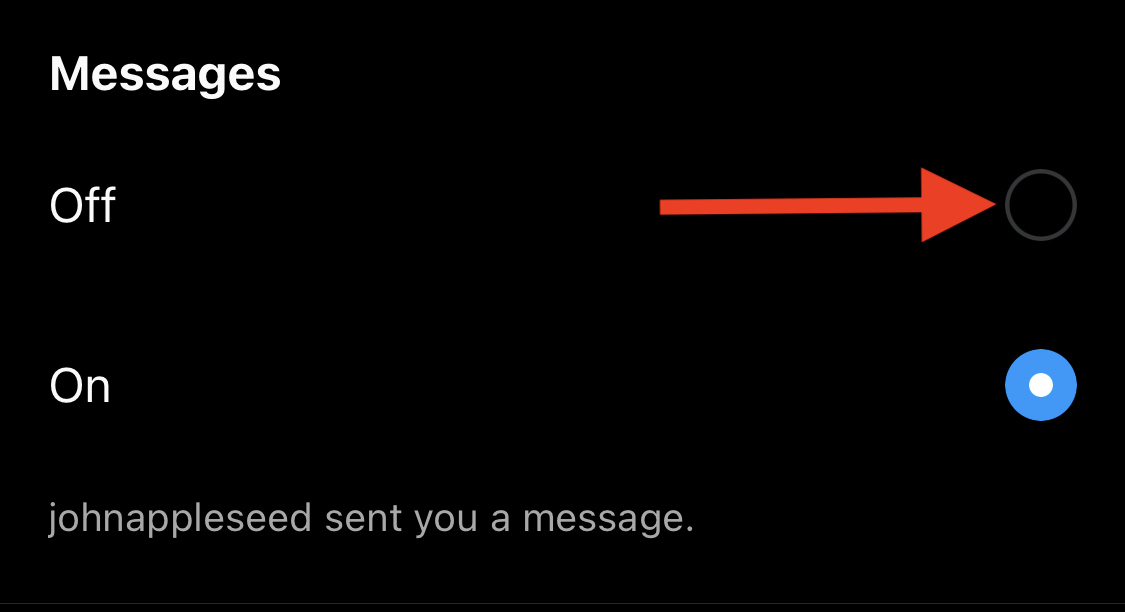
- Choose Messages
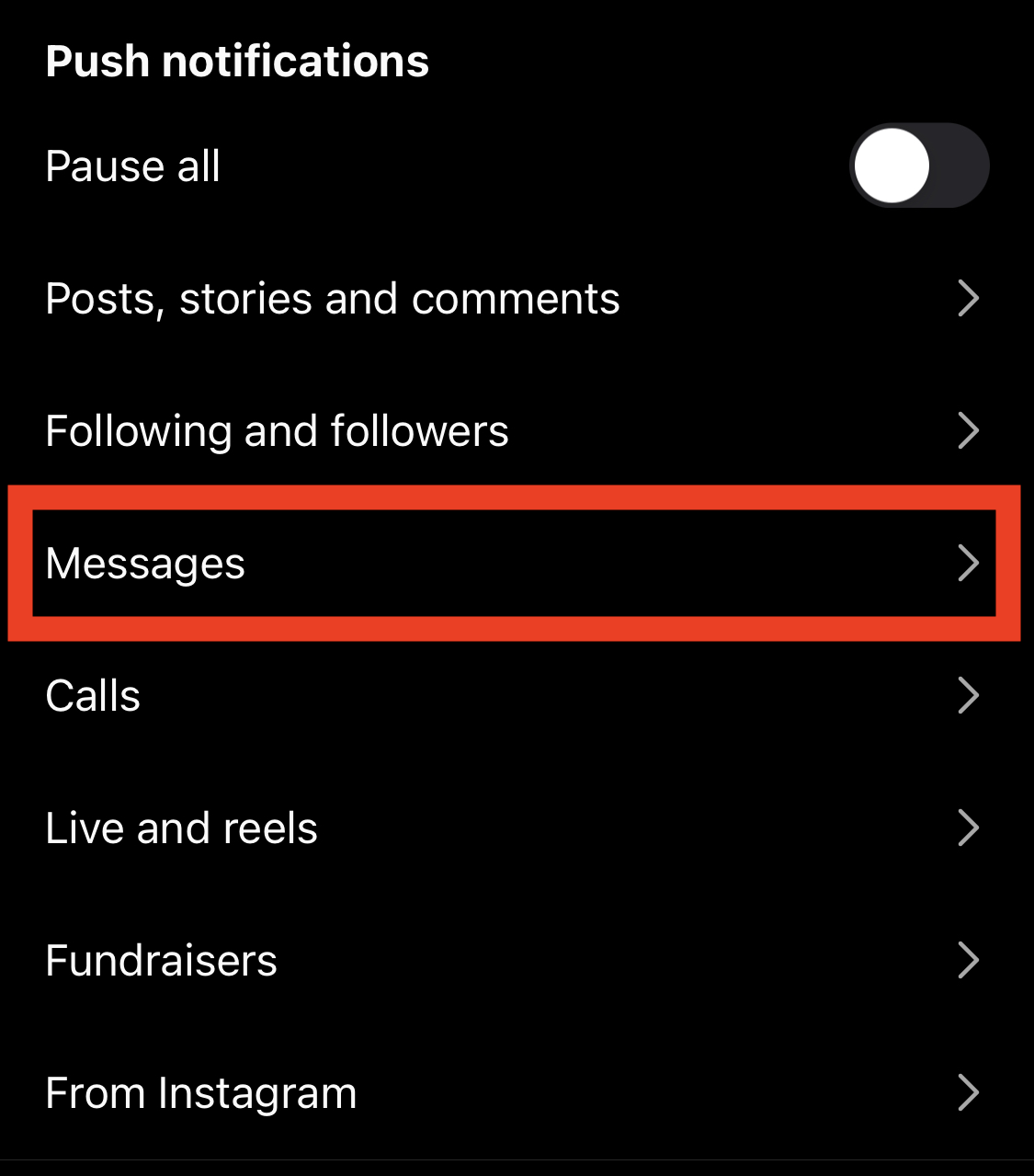
- Disable notifications for Messages
Signal
- Open iPhone Settings → Notifications → Signal, and toggle off notifications. You should still be able to receive notifications for calls. On Beeper, you'll receive a message notification from the person calling ("Incoming call), and you'll receive a phone call notification as a regular phone call.